
OnSpace AI: review, pricing and alternatives
What is OnSpace AI?
When I first encountered OnSpace AI, its core promise immediately caught my attention: an AI-powered, no-code app builder designed to transform ideas into functional applications using simple prompts. The vision is compelling – imagine describing your app concept in plain language, and an AI agent takes over, handling the UI, logic, data, and even deployment across various platforms. For someone like me, who appreciates the power of technology but doesn't always want to dive deep into coding syntax, this sounded like a dream come true.
The platform explicitly targets non-developers, entrepreneurs, and anyone with a great app idea but lacking the technical skills or resources to build it from scratch. It aims to democratize app creation, making it accessible to a much broader audience than traditional development tools. OnSpace AI positions itself as a tool that genuinely allows you to "build something real—fast—without getting dragged into setup," which is a significant draw for those looking to quickly validate concepts or create internal tools without the usual development overhead.
Its fundamental value proposition is speed and simplicity. Instead of spending weeks or months on development, OnSpace AI suggests you can have a working application in minutes. This rapid prototyping capability, combined with the allure of AI doing the heavy lifting, makes it particularly appealing to individuals or small businesses who need a functional application without the steep learning curve or high costs typically associated with software development.
Key Features and Capabilities
OnSpace AI packs a range of features designed to make app creation as seamless as possible, especially for its non-technical audience. At its heart is the AI app generation capability; you provide a natural language prompt, and the AI constructs the initial application structure, including UI elements, underlying logic, and data handling. This isn't just a mockup generator; it's designed to produce a functional starting point.
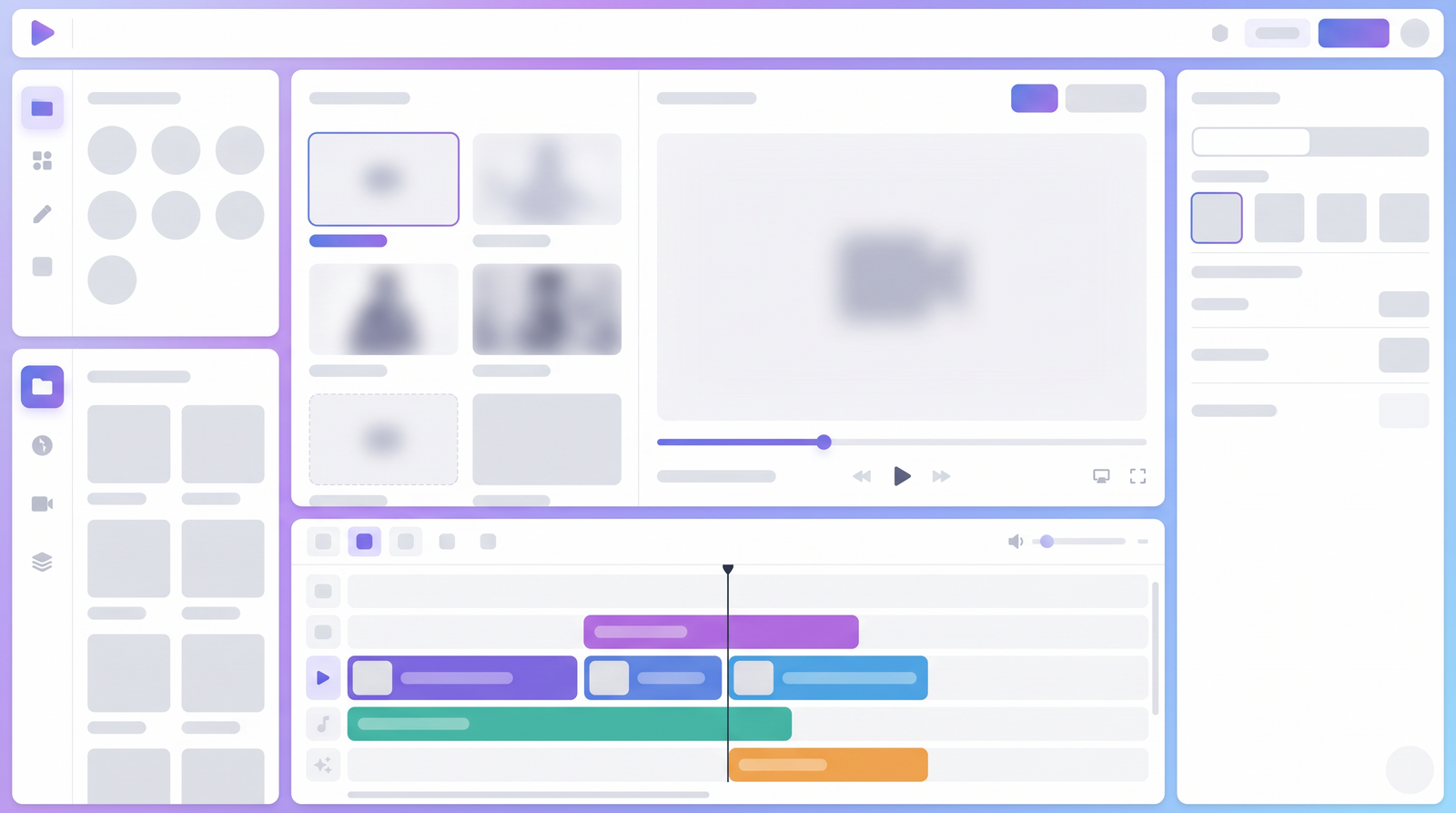
Once the AI has done its initial work, you're not stuck with its first draft. The platform includes a no-code visual editor, which is where you can refine and customize your application. I found this visual editor crucial for tweaking layouts, adjusting components, and ensuring the app aligns perfectly with my vision. It allows for iterative design, letting you see changes in real-time without needing to regenerate the entire app.
A significant advantage OnSpace AI touts is its cross-platform deployment. It promises to build apps that can run on Android, Web, and even iOS from a single project. While Android and Web support are clearly articulated, the extent of native iOS capability is a point of discussion, which I'll touch upon later. Crucially, it also features a built-in backend solution called Spaces (Alpha). This serverless backend provides a production-ready stack with zero setup, offering managed PostgreSQL with row-level security, real-time sync, file storage, edge functions for custom logic, and a visual dashboard for data and user management. This integrated backend is a huge time-saver, eliminating the need to set up and manage separate database or server infrastructure.
Other notable capabilities include robust user authentication options (email, OTP, social login), secure backend endpoints with API key protection (e.g., for integrating AI models like Claude), and the ability to download an APK for easy Android installation. The platform also mentions custom domain publishing, which is still in development, indicating ongoing efforts to expand its utility for professional deployment.
How OnSpace AI Works: Building an App
The process of building an app with OnSpace AI is designed to be straightforward, starting with your idea and guiding you through to a deployable application. It truly begins with natural language prompts. Instead of writing lines of code, you describe what you want your app to do in plain English. For instance, I've seen examples where users prompted for an app where "users can sign in, create a new request, view their requests in a list, and edit a request," specifying details like "a clean dashboard layout with a top nav, show status (e.g., pending/approved), and include a simple form with validation." The more specific you are, the better the AI's initial output tends to be.
Once you submit your prompt, the AI gets to work, generating a first version of your application. What's impressive is the speed at which this initial version appears; it's often ready in minutes, providing a tangible starting point rather than just a wireframe. This rapid generation is a major selling point, allowing you to quickly see your concept take shape.
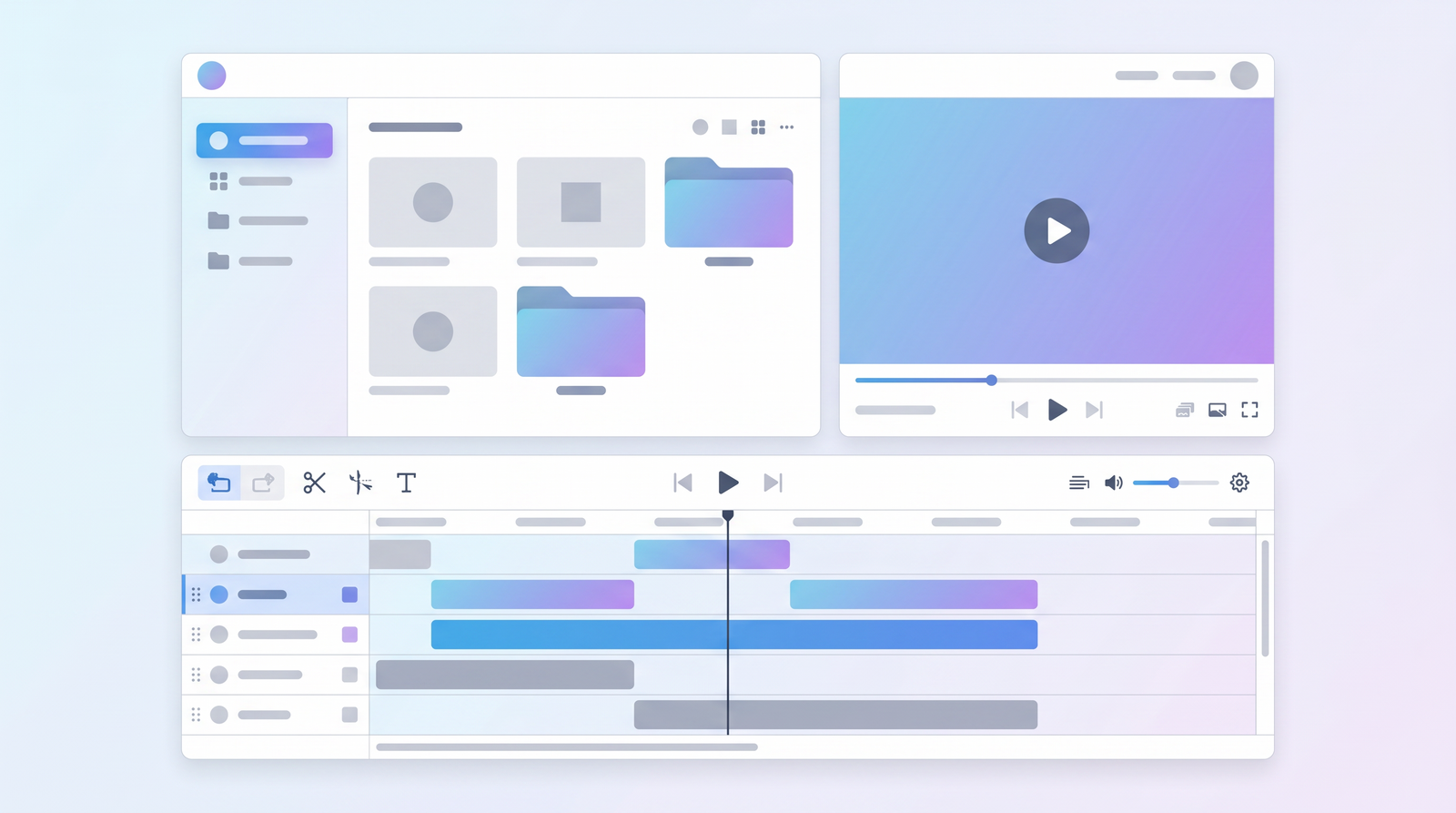
From there, the iterative design process takes over using the visual editor. This is where you, as the app creator, fine-tune the AI's output. You can drag and drop elements, adjust layouts, change colors, and modify functionalities without touching any code. The platform typically offers a real-time preview, meaning any changes you make in the editor are immediately reflected, allowing for quick adjustments and corrections. This responsiveness makes the iteration process highly efficient, enabling you to refine your app until it meets your exact requirements.
Finally, once you're satisfied with your application, OnSpace AI handles the deployment process. For Android, you can download an APK. For web applications, it provides hosting, and there are plans for custom domain publishing. The integrated backend, "Spaces," plays a crucial role here, automatically setting up the necessary database and server logic to support your app's functionality, ensuring that your application is not just a visual interface but a fully functional tool with data persistence and user management.
Pricing and Plans
Navigating the pricing structure of OnSpace AI can be a bit opaque, which is a recurring point of user frustration I've observed. The platform initially offers what it describes as a "free" way to get started, typically involving a system of credits or "coins." These are allocated to you when you begin, allowing you to build and test your first applications without an upfront cost. This free tier is excellent for prototyping and getting a feel for the platform's capabilities.
However, the catch, as many users have discovered, is that these credits are finite. Once you've used up your initial allocation, you'll need to subscribe to continue building and deploying apps. There's also a mention of a $0.01 trial, which seems to offer a very low-cost entry point for a short-term evaluation, though its exact limitations aren't always clear. What becomes problematic for many is the lack of transparency around how these credits are consumed and what the ongoing subscription costs entail.
User reviews frequently highlight issues with the credit system, reporting that credits can be used up quickly, sometimes without a clear way to track usage. There have been complaints of being "over charged" or wasting credits on unresolved issues, leading to a sense of unfairness. While the platform requires a monthly subscription for continued use after the free credits are exhausted, specific pricing tiers and their associated benefits (or credit allowances) are not always readily available or clearly communicated on public-facing pages. This lack of clarity around monthly fees and credit consumption is a significant concern for potential long-term users.
| Plan | Price | Best for |
|---|---|---|
| Free Tier | Initial credits (finite) | First-time users, prototyping, platform evaluation |
| Trial Offer | $0.01 | Short-term, low-cost platform exploration |
| Subscription Plans | Undisclosed monthly fee | Continued app development, deployment, and hosting after free credits expire |

Pros: What OnSpace AI Does Well
Despite some of its shortcomings, OnSpace AI genuinely excels in several areas, making it a compelling option for specific use cases. What I found most impressive is the sheer speed of app generation. You can go from a conceptual idea to a working first version of an application in a matter of minutes, which is a game-changer for rapid prototyping and validating business ideas. This eliminates the lengthy initial setup and coding phases that often deter non-technical founders.
The platform truly delivers on its promise of being no-code. You don't need any programming knowledge to get started or to customize your app with the visual editor. This accessibility is its greatest strength, opening up app development to a much wider audience who previously might have felt excluded from creating their own digital tools. For anyone who has ever thought, "I wish I could build an app, but I can't code," OnSpace AI offers a viable path.
Another significant advantage is the integrated backend, powered by "Spaces." This feature handles all the "boring but necessary" elements like user authentication, database management (with managed PostgreSQL), and file storage without requiring any setup from the user. It means you don't have to worry about provisioning servers, configuring databases, or setting up authentication flows, allowing you to focus purely on the application's functionality and user experience. This full-stack approach, where the plumbing is ready to go, saves an enormous amount of time and effort.
Finally, the real-time preview and iterative design capabilities are highly effective. As you make changes in the visual editor, you can see them reflected instantly. This immediate feedback loop makes the development process much faster and more intuitive, allowing for quick corrections and refinements. For creating simple Minimum Viable Products (MVPs) or internal tools, OnSpace AI offers a streamlined and efficient pathway, enabling users to ship something functional quickly.
Cons: User Complaints and Limitations
While OnSpace AI offers an exciting vision, it's crucial to address the recurring negative feedback and inherent limitations that users have reported. A predominant and deeply concerning issue is the state of customer service. Across various platforms, users consistently describe customer support as "non-existent" or unresponsive. I've seen numerous accounts of emails going unanswered, issues remaining unfixed for extended periods, and a general inability to get help when problems arise. This lack of reliable support can be a deal-breaker, especially when you're relying on a platform to build and maintain your application.
Closely tied to the support issues are problems with app functionality not getting fixed. Users have reported encountering bugs or limitations within their generated applications that, despite attempts to contact support, simply remain unresolved. This can lead to significant frustration and wasted effort, particularly if you've invested time and credits into building an app that ultimately doesn't function as expected.
The credit system itself is another major point of contention. Users often complain about a lack of transparency regarding how credits are used, how quickly they deplete, and perceived overcharging. The absence of a clear mechanism to track credit usage means users can feel blindsided when they suddenly run out, necessitating a subscription. This opacity, combined with unresponsive support, creates an environment where users feel they are not in control of their spending or their project's progress.
Finally, it's important to recognize OnSpace AI's limitations for complex or truly native mobile applications. While it aims for cross-platform deployment, the output, particularly for mobile, often leans more towards wrapped web apps rather than genuinely native experiences. This distinction matters because wrapped web apps may not offer the smooth performance, access to device features (like camera or GPS), or native UI components that users expect from a "real" mobile app, and they can even face rejection from app stores. For sophisticated applications requiring deep customization, persistent logic across sessions, or a truly native feel, OnSpace AI may fall short compared to platforms specifically designed for native mobile development.
Performance and Ease of Use
From a practical standpoint, my experience and what I've gathered from other users suggest that OnSpace AI generally offers a good level of performance and ease of use, particularly for its intended audience. The learning curve for building basic applications is remarkably low. If you can articulate your idea in simple terms, the AI can generate a starting point, and from there, the visual editor is intuitive enough for anyone comfortable with drag-and-drop interfaces.
The speed of iteration is one of its strongest performance aspects. The ability to make changes in the visual editor and see them reflected almost instantly in a real-time preview significantly accelerates the development process. This allows for quick experimentation and refinement, which is invaluable when you're trying to nail down an app's design and core functionality without getting bogged down by technical delays. For someone looking to build an MVP, this rapid feedback loop is a huge asset.
However, the platform's performance can feel less robust when pushing the boundaries of complexity. While it's great for simple forms, lists, and authentication flows, introducing more intricate logic or highly customized UI elements might expose some limitations. The general usability for building basic applications is high, but as your app grows in complexity, you might start to feel the constraints of a no-code, AI-generated environment.
Overall, for its target of non-developers creating straightforward apps, OnSpace AI delivers a remarkably smooth and fast user experience. It largely succeeds in making app creation accessible and efficient, as long as you manage your expectations regarding the depth of customization and the complexity it can handle without external support.
Who is OnSpace AI For? Use Cases
Based on its strengths and limitations, OnSpace AI is best suited for a specific demographic and set of use cases. I'd say the ideal users are individuals or small teams who need to quickly prototype an idea. If you're an entrepreneur with a new concept and you need a functional MVP to test the market, gather feedback, or present to potential investors without spending a fortune or months on development, OnSpace AI can be an excellent tool.
It's also a strong contender for small businesses looking to create simple internal tools. Imagine needing a basic app for managing requests, tracking inventory, or a simple CRM. These types of applications, which often don't require highly complex features or a truly native mobile experience, can be built and deployed efficiently using OnSpace AI. The integrated backend simplifies data management, making it practical for these kinds of operational tools.
Furthermore, OnSpace AI is well-suited for anyone exploring AI app development without prior coding expertise. It offers a hands-on way to understand how AI can assist in software creation, providing a low-barrier entry point into the world of no-code AI tools. It's an educational and experimental platform for those curious about the future of app building.
However, it's crucial to understand who it's *not* for. If your goal is to build a highly complex, production-grade mobile application that demands a truly native user experience, deep device integration, or requires robust, responsive customer support for ongoing development, OnSpace AI might not be the best fit. It shines brightest in scenarios where speed, simplicity, and accessibility outweigh the need for ultimate customization or enterprise-level support.
OnSpace AI Alternatives and Comparisons
When considering OnSpace AI, it's natural to compare it with other no-code and AI-powered app builders on the market. The landscape of these tools is growing rapidly, with platforms like Bolt, Lovable, and Cursor also emerging as "vibe coding apps" that aim to simplify development. However, a key distinction often arises when discussing truly native mobile app development, and this is where OnSpace AI's comparison with platforms like Newly.app becomes particularly insightful.
OnSpace AI positions itself as a general-purpose builder, capable of creating web apps, SaaS tools, and cross-platform mobile applications. It's designed to be broad, allowing deployment to Android, Web, and even iOS from a single project. The challenge, as highlighted by comparisons, is that when a platform tries to do everything, its mobile output might not match the quality of a tool dedicated entirely to mobile. This means that while your OnSpace AI app might run on a phone, it might not provide the authentic "native app" experience with smooth 60fps animations, access to advanced device features, or seamless navigation that users expect from an App Store or Google Play download.
In contrast, a platform like Newly.app is purpose-built for native mobile applications. It generates React Native + Expo code, which compiles into genuine iOS and Android apps that utilize real native UI components. This focus ensures that apps built with Newly.app are more likely to pass App Store review guidelines and offer the performance and user experience of a truly native application. If you're looking at various AI app builders, it's useful to compare their capabilities, and you can see how it stacks up against alternatives on Top10k.
So, while OnSpace AI offers a broad stroke for quick, multi-platform app creation, its mobile output is often more akin to a wrapped web view than a true native application. This makes it distinct from dedicated native mobile builders, and understanding this difference is crucial when choosing the right tool for your specific project needs.
Is OnSpace AI Worth It? The Verdict
After weighing its benefits against its drawbacks, my verdict on OnSpace AI is that its worth entirely depends on your specific needs and expectations. If your primary goal is to quickly spin up a simple web application, a cross-platform MVP, or an internal tool without writing a single line of code, OnSpace AI can be incredibly valuable. Its AI generation, coupled with the intuitive visual editor and integrated backend, makes it one of the fastest ways to bring a basic app idea to life. For non-technical founders or those looking to rapidly validate a concept, it offers a compelling solution that saves time and resources.
However, it's not without significant caveats. The recurring issues with non-existent customer service, unresolved bugs, and the opaque credit system are major red flags that cannot be ignored. These problems introduce a level of risk and frustration that might outweigh the benefits for projects requiring ongoing support, reliability, or a clear understanding of costs. If you anticipate needing frequent assistance or if your application's continuous functionality is critical, the reported lack of support could become a serious impediment.
Furthermore, if your vision includes a truly native mobile experience with deep device integration, complex logic, or the highest standards of performance and UI, OnSpace AI might not be the ideal choice. Its strength lies in its generality and speed for simpler applications, rather than in delivering highly optimized, bespoke native mobile apps. For those types of projects, dedicated native builders would likely serve you better.
In conclusion, OnSpace AI is a powerful tool for rapid prototyping and building straightforward applications with minimal effort. It's worth considering if you're comfortable with its known limitations, particularly around support and native mobile capabilities, and if your project aligns with its strengths in speed and no-code accessibility. Manage your expectations, understand its sweet spot, and you might find it to be a useful addition to your toolkit for quick app development.
Full profile and live ranking: https://top10k.com/ai/onspace-ai
Published by

Top10k Tools operates as a collection of free web apps packed with a growing library of browser-based utilities designed to make daily work easier.
It spans everything from SEO and coding to file converters, image tools, and handy calculators. Each tool runs right in the browser, so you can start in seconds.
The goal behind Top10k Tools is building 10,000 free mini tools for work, study, and daily life.
For anyone who works online, Top10k Tools has something useful. Find your next favorite tool.
Frequently asked questions
What are the pricing details for OnSpace AI?
OnSpace AI offers an initial free tier with a limited number of credits or 'coins' for building apps. There's also a $0.01 trial mentioned. Beyond the free credits, a monthly subscription is required for continued use, but specific monthly pricing tiers are not clearly detailed in public information, leading to user complaints about transparency.
Is there a free plan available?
Yes, OnSpace AI provides a free tier that includes initial credits or 'coins,' allowing users to get started, build, and test applications without an upfront cost. However, these credits are finite, and a subscription is needed to continue building once they are depleted.
What are the main alternatives to OnSpace AI?
Alternatives vary depending on your specific needs. For truly native mobile app development, platforms like Newly.app are considered stronger as they generate native code. Other no-code/AI app builders in the market include Bolt, Lovable, and Cursor, which also aim to simplify app creation.
Is OnSpace AI easy to learn for beginners?
Yes, OnSpace AI is designed with non-developers in mind, making it relatively easy to learn for building basic applications. Its natural language prompting and intuitive visual editor allow users to quickly create and customize apps without any coding knowledge, offering a low learning curve for simple projects.
Can OnSpace AI build truly native mobile apps?
While OnSpace AI aims for cross-platform deployment to Android, Web, and iOS, its mobile output is often more akin to wrapped web applications rather than truly native experiences. This means apps might not offer the same performance, device integration, or native UI components as those built with dedicated native mobile development platforms.
How is OnSpace AI's customer support?
Customer support for OnSpace AI is a significant concern among users. Many reviews report it as 'non-existent' or unresponsive, with issues often remaining unfixed and emails going unanswered. This lack of reliable support is a major drawback for users needing assistance with their applications.
What kind of apps can I build with OnSpace AI?
OnSpace AI is best suited for building simple web applications, cross-platform MVPs (Minimum Viable Products), and basic internal tools for small businesses. It excels at rapid prototyping and creating apps with straightforward functionalities like user authentication, data forms, and list views, without requiring complex logic or deep native device integration.